View Invoices
Information available in search results:
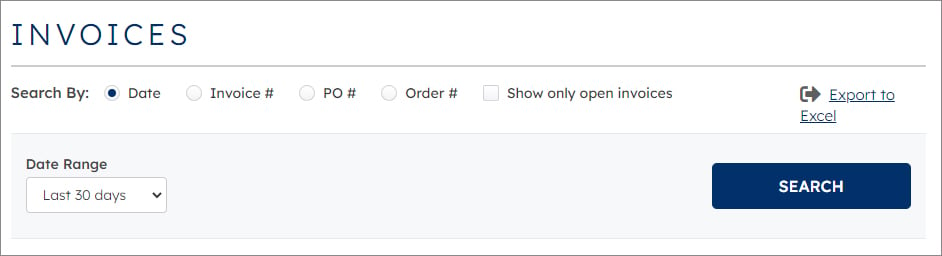
- Date selection
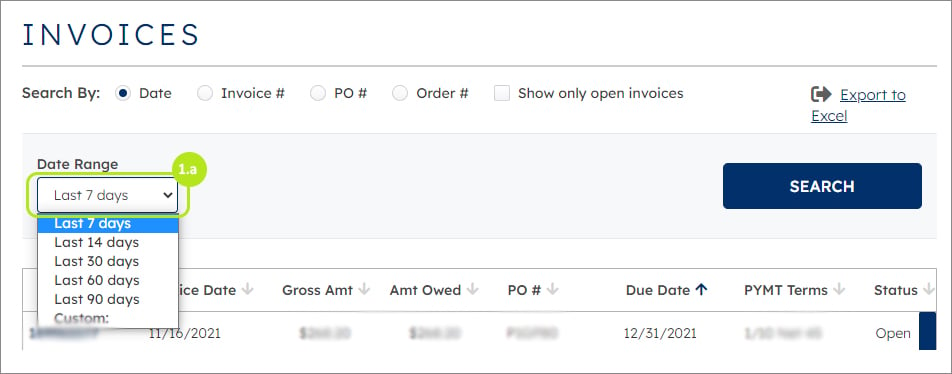
Click in drop down box to select date range and select last number of days required (1.a.).
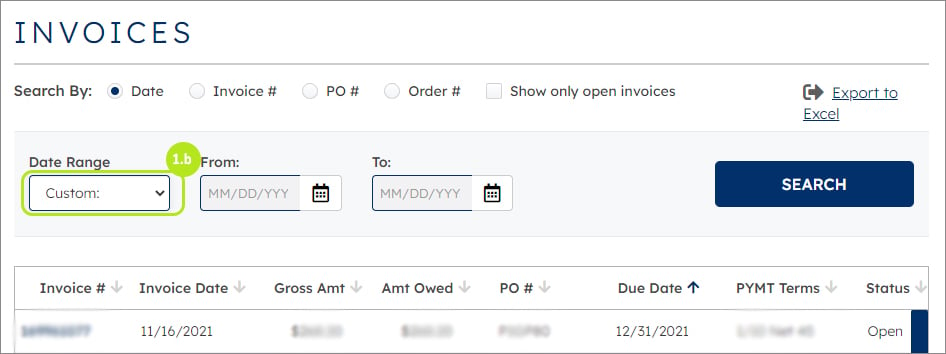
If select Custom, calendar will appear to select date range (1.b.).
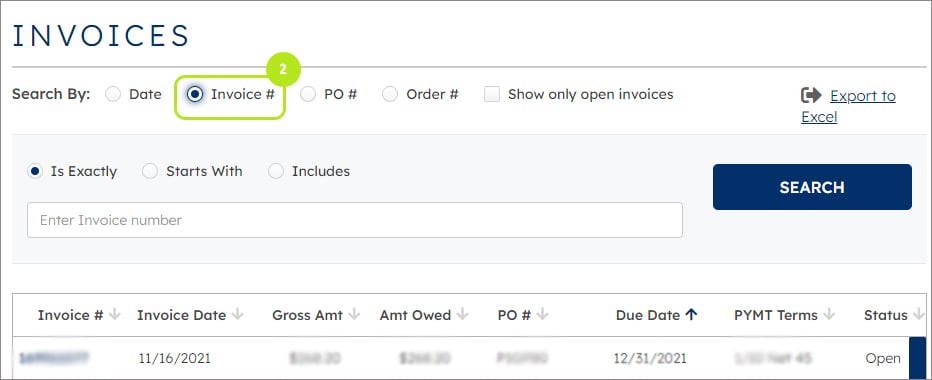
- Invoice Number selection (2).
Note: Entire invoice is required
- Purchase Order Number selection (3).
- Order Number selection (4).
- Show only open invoices (5).
2. Invoice Number selection
Note: entire invoice is required